Figma MCP adds code layers, Specs access and 20 partner integrations
Figma’s MCP update lets connected AI tools generate code layers, work with Specs and create visual assets. Figma is also launching 20 partner integrations, including OpenCode, Dia, Junie and Meta Muse.
What changed
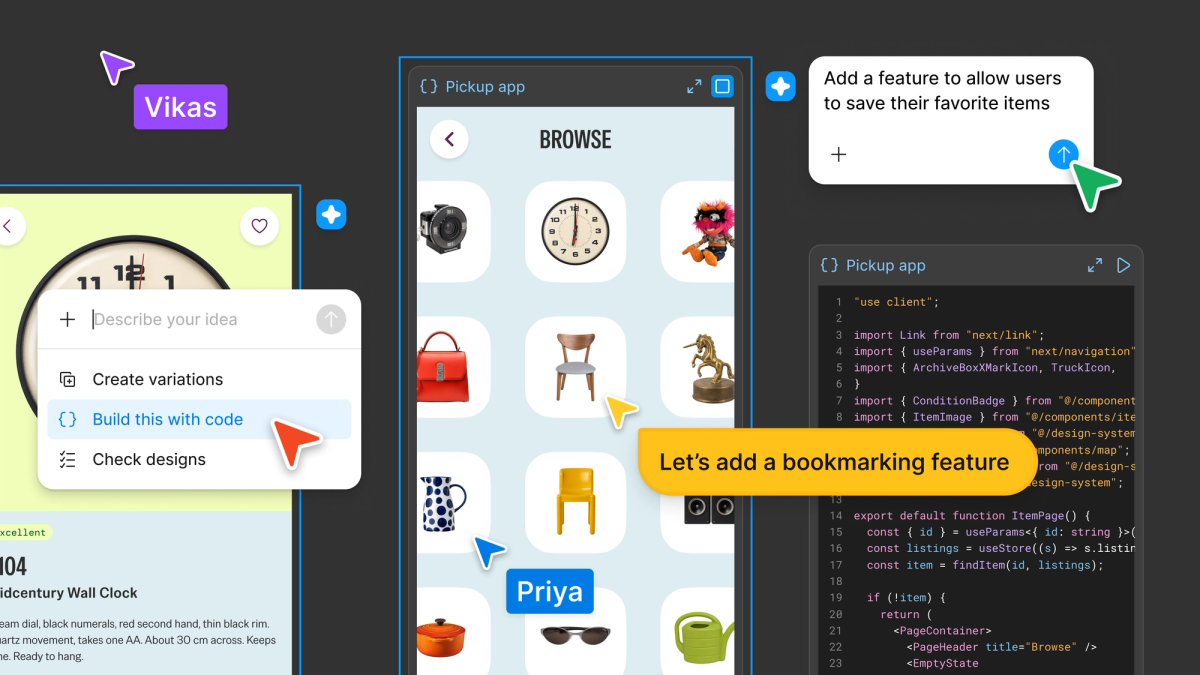
Starting today, connected AI tools can generate code layers, work with Specs, create visual assets and run published Weave workflows. New integrations support tasks such as sending coded prototypes into Figma and bringing web interfaces in as editable design layers. Figma also reports improved agent guidance and server performance that reduce errors and token usage.
Why it may matter for your work
Designers and developers could move work between their existing AI tools and Figma with fewer manual transfers. Small-business owners may also be able to reuse Figma brand designs when generating visuals in Meta Muse.
What it can actually do
Generate code layers, work with Specs, create visual assets, run published Weave workflows, and exchange design context or prototypes through supported partner integrations.
Limits to check
The page names four of the 20 new integrations. Pricing, usage limits and performance measurements are not stated.
“Starting today, you can generate code layers and work with specs directly from the AI tools you already use.”From the linked source page